


Pixel Art Maker
Create pixel art right in your browser — draw dot art square by square, or convert a photo into a pixel grid. Free, no install, share your work.
 What is pixel art?
Pixel art (also called dot art) is a picture made of small square blocks on a grid — one color per square. It powers retro games, emoji and craft patterns. Paint the grid square by square here, and your art doubles as a pattern for perler beads, fuse beads or DIY blocks.

2D flat editor
Place colored blocks cell by cell to draw a flat pattern like pixel art. No size limit — whatever you draw becomes the pattern.
One cell, one bead
Draw on the grid with pen, shape, select and fill tools — as easy as making pixel art.

Photo → block pattern
Upload a photo or drawing and it’s converted to a grid pattern matched to block colors.

Print, save and share
Print or save your finished pattern with color numbers and counts, or share it with a link.
How to make a block pattern
-
1
Drawing a flat pattern (2D editor)
- There's no fixed canvas size. Click an empty spot and a block appears — whatever you draw becomes the pattern. If you run off the screen, grab the pan tool and move around as you keep drawing.
- Pick a color on the left and click to drop a block. Right-click (or the eraser on mobile) to remove one, and double-click a block to pick up its color. Use the magic wand to grab one color at once, or the select tool to move a group of cells.
- Placed one wrong? Undo as much as you like — nothing is permanent, so just play around.
-
2
Turning a photo into a pattern
- Upload a photo or image in the image converter.
- Set the size and how many colors to use, and it redraws the photo in pixels within that. Fewer colors look simpler; more colors stay closer to the original.
- The result drops straight into the editor, so you can touch it up — usually just a few cells here and there.
-
3
Save · Advanced viewer · Share
Hit "Save Image" in the viewer to download the work image right away — no login needed. Open the "Advanced viewer" for a detailed sheet with color numbers and the count for each color, and follow it as you place the real blocks. Save your work to send it as a link or post it to the feed. (The advanced viewer, saving your work and sharing need an account.)
 Pixel art gallery
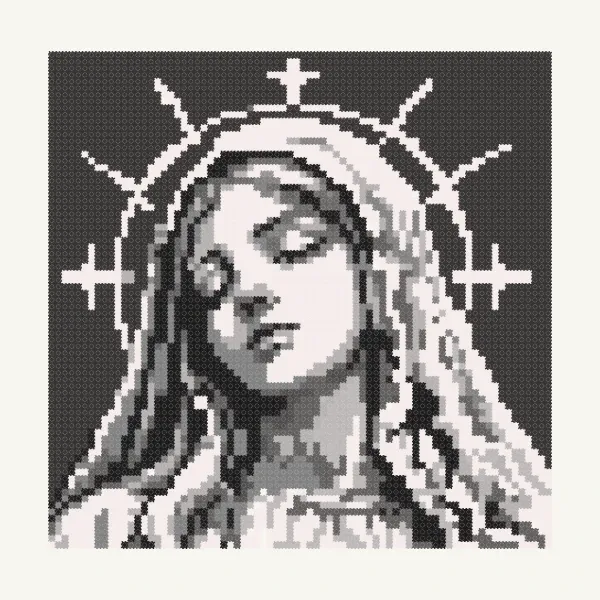
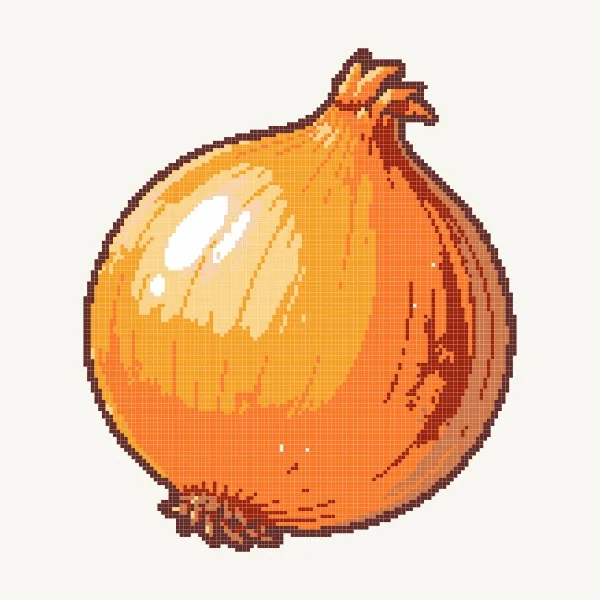
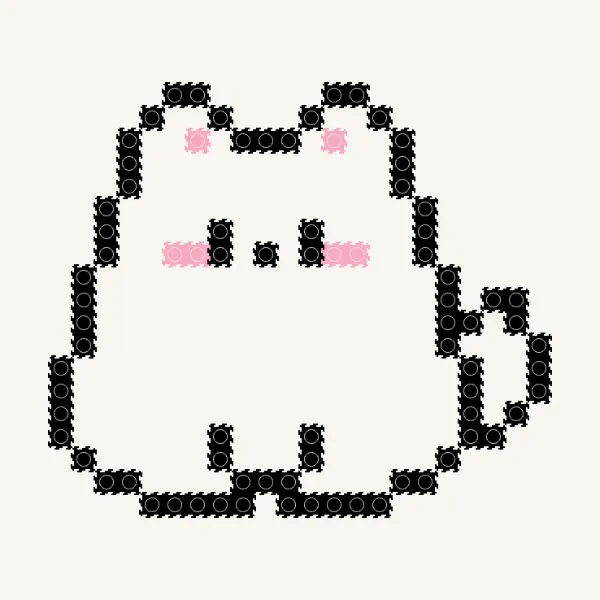
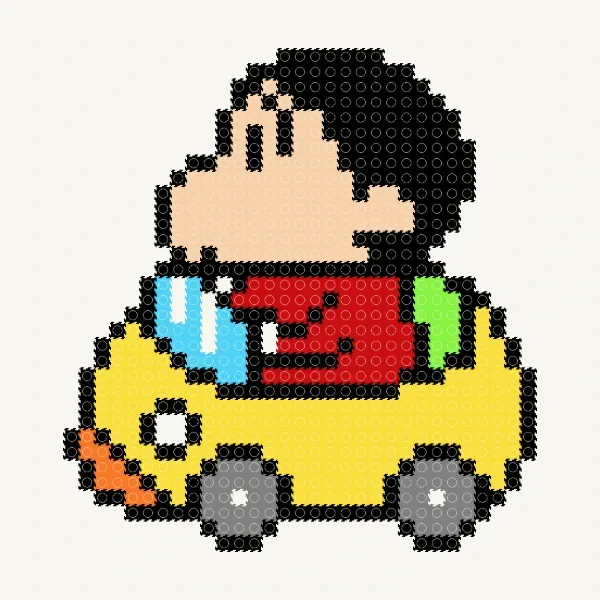
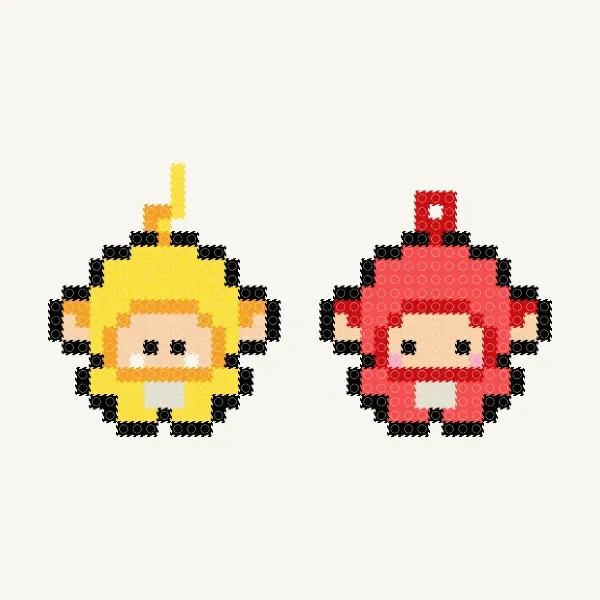
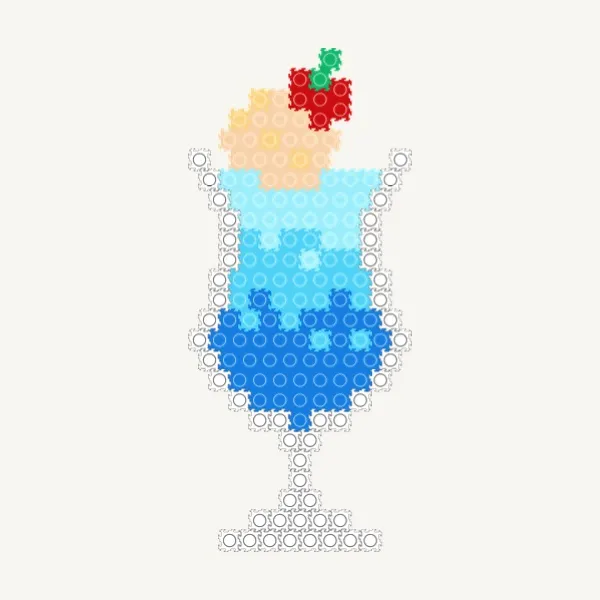
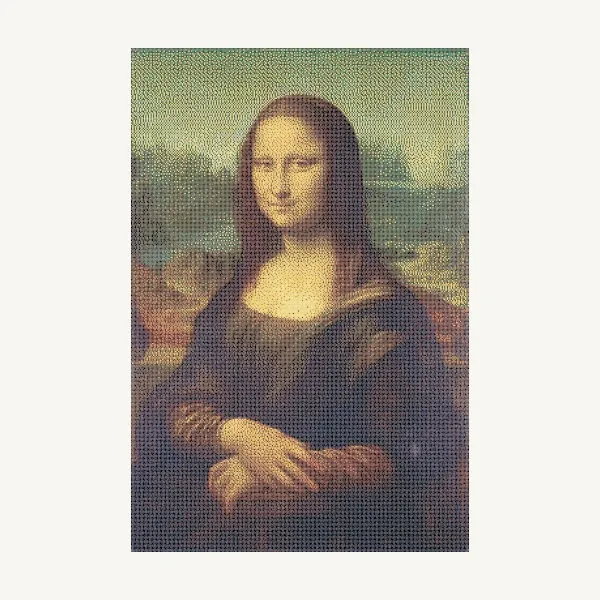
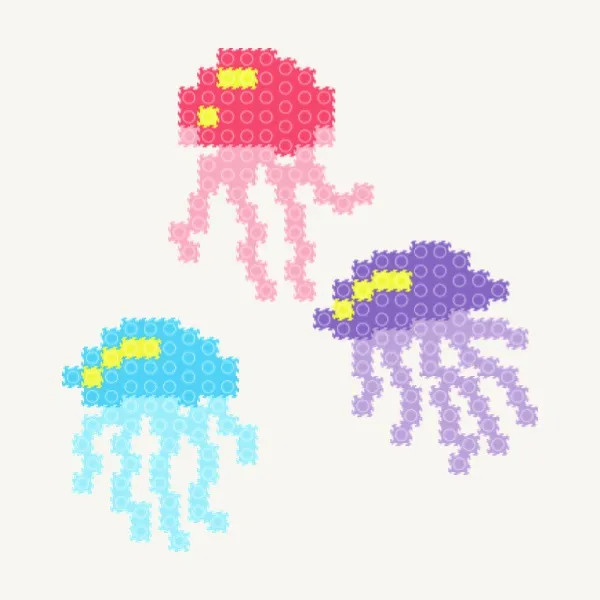
Pixel art made by our community — open one to view it, copy it, or use it as a pattern.



Pixel art FAQ
Is this pixel art maker free?
Yes. Drawing, converting photos, saving and sharing pixel art are all free, right in your browser with no install.
Can I turn a photo into pixel art?
Yes. Upload a photo and the converter maps it onto a pixel grid, giving you instant dot art you can fine-tune square by square.
How big can my pixel art be?
There is no fixed canvas size — draw as small or as large as you like, up to 100,000 blocks in one piece.
Can I use my pixel art as a bead or block pattern?
Yes. Every piece works as a pattern for perler / fuse beads or DIY blocks, with a per-color count so you know how many pieces you need.
Start making pixel art
Open the editor and place your first pixel — no sign-up needed to start.


 This website uses cookies
Comments