



Perler Bead Pattern Maker
Design perler bead and fuse bead patterns free in your browser. No install — draw on a grid, convert photos to patterns, and count every color at once.
 Bead pattern gallery
Browse perler bead patterns made by other people.

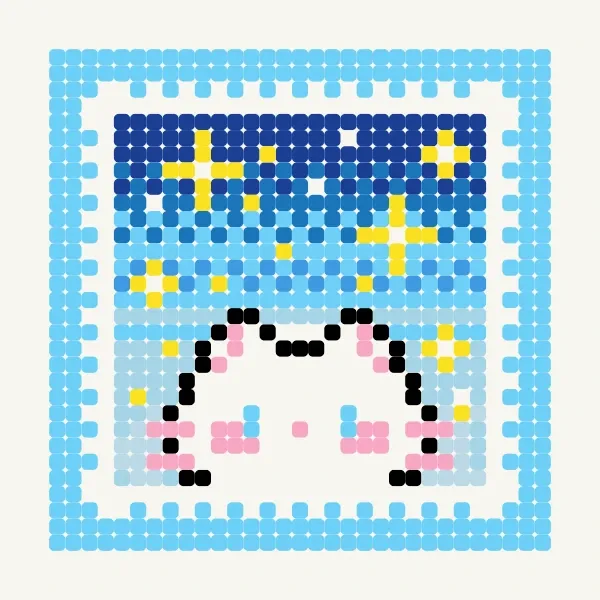
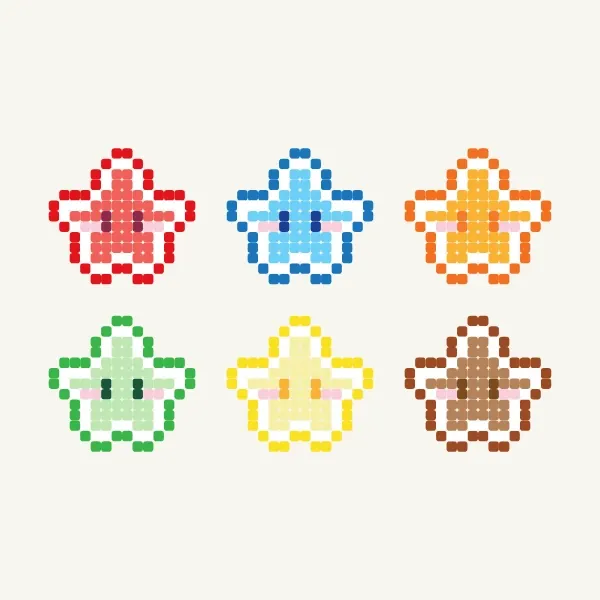
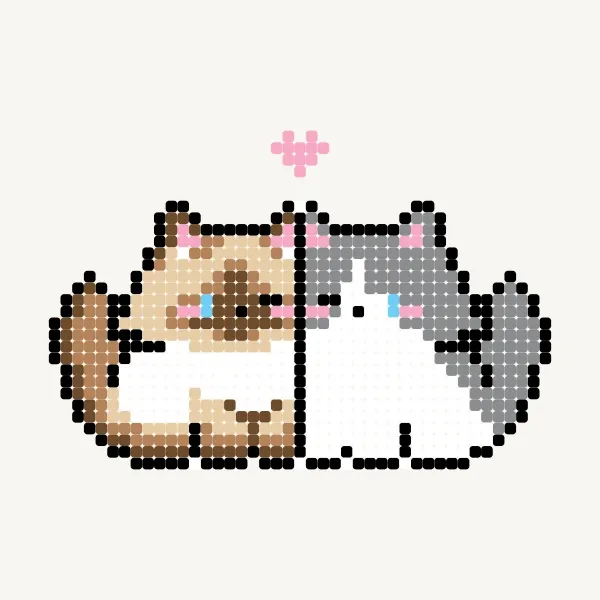

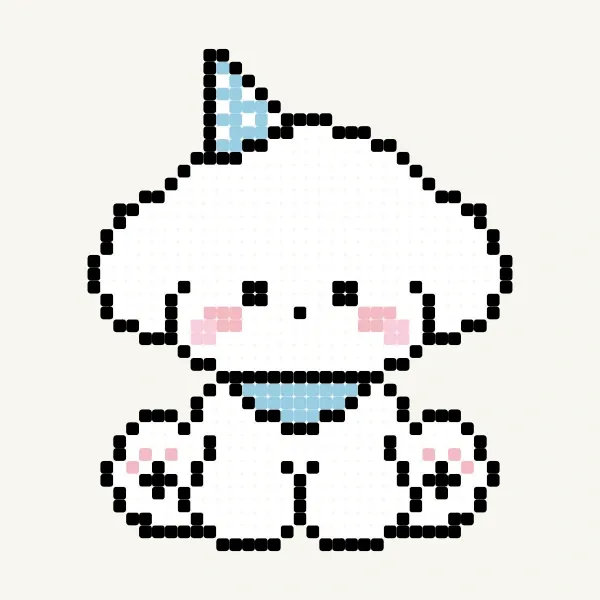
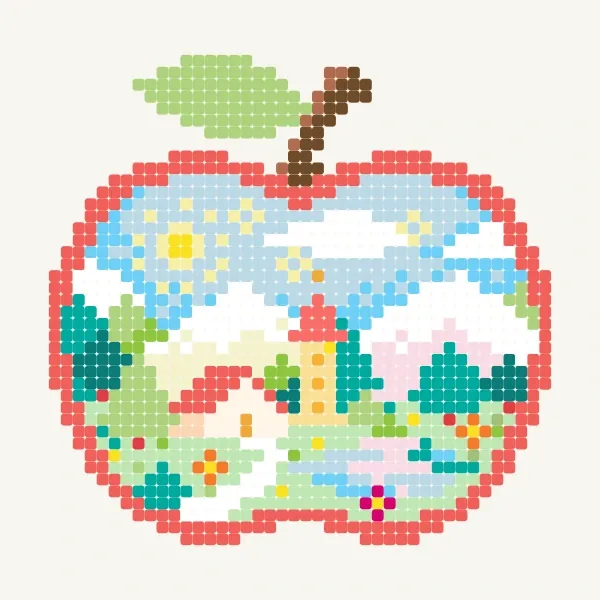
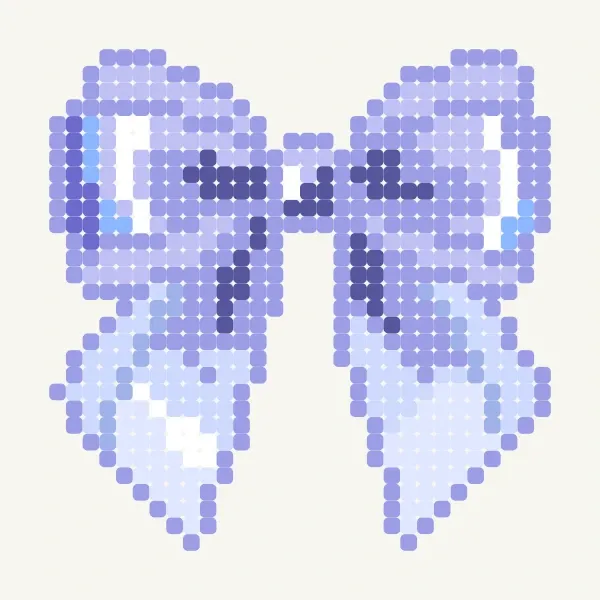

Easy Perler Bead Patterns
Small, low-bead designs you can finish fast — perfect for beginners.
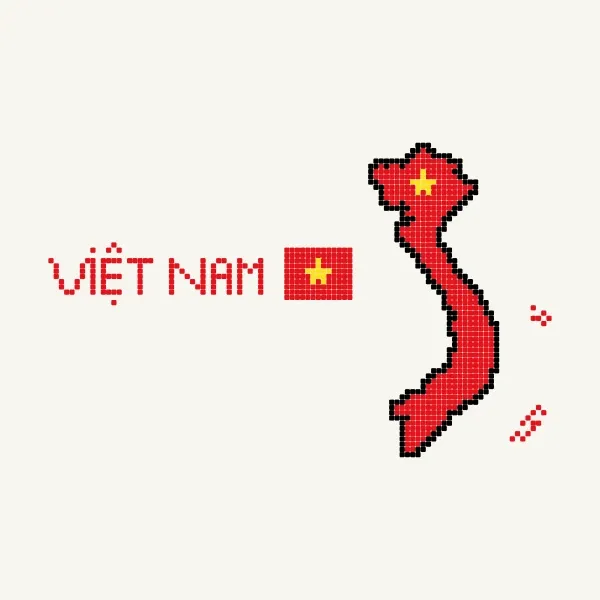
 is there anyone Vietnamese here?
178 beads
is there anyone Vietnamese here?
178 beads
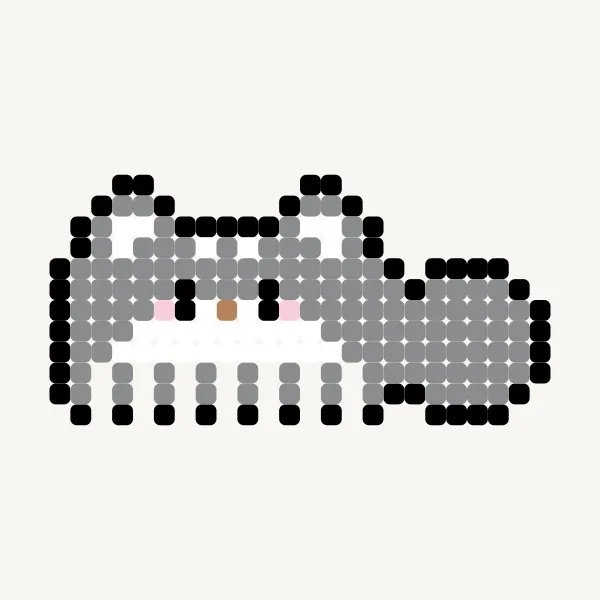 Comb
203 beads
Comb
203 beads
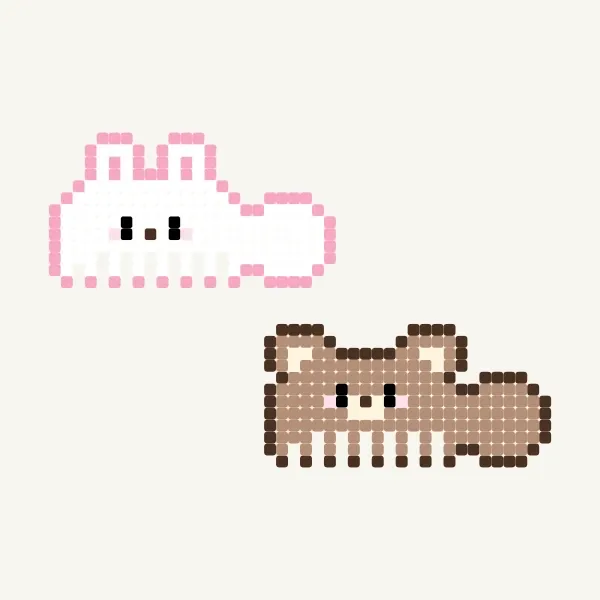 🐇🐂
424 beads
🐇🐂
424 beads
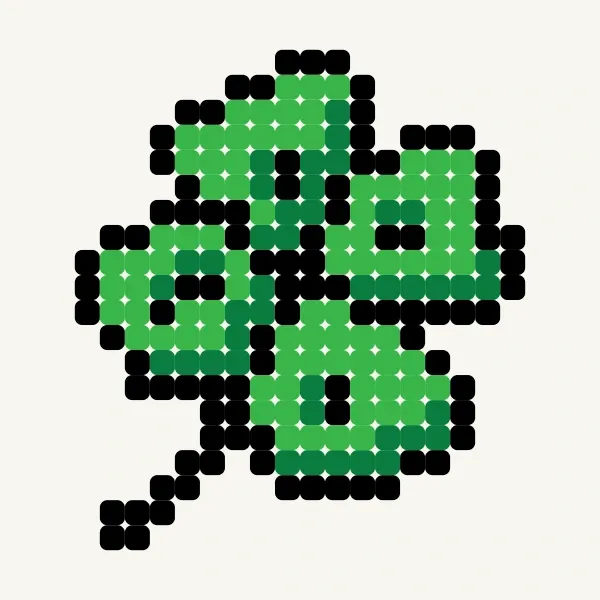 four-leaf clover
224 beads
four-leaf clover
224 beads
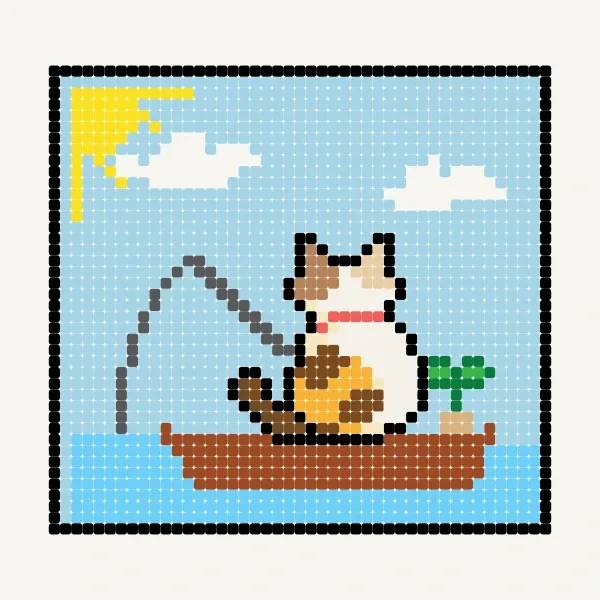
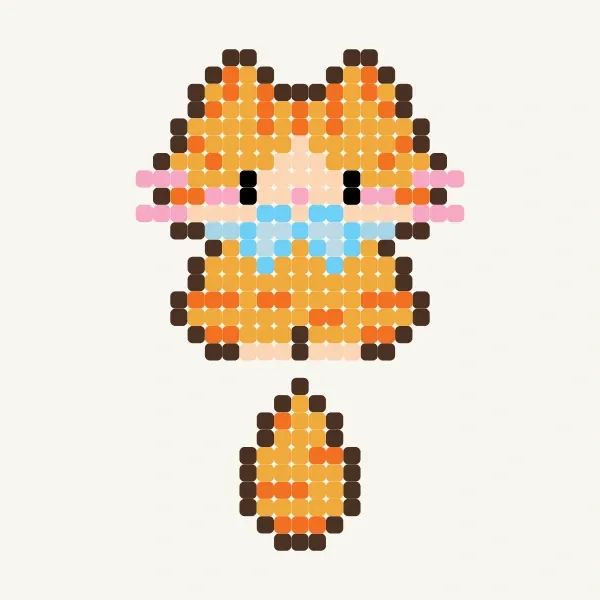 cat
296 beads
cat
296 beads
 Ahyeon-BABYMONSTER_DRIP
419 beads
Ahyeon-BABYMONSTER_DRIP
419 beads
 Chiquita-BABYMONSTER_HOT SAUCE
443 beads
Chiquita-BABYMONSTER_HOT SAUCE
443 beads
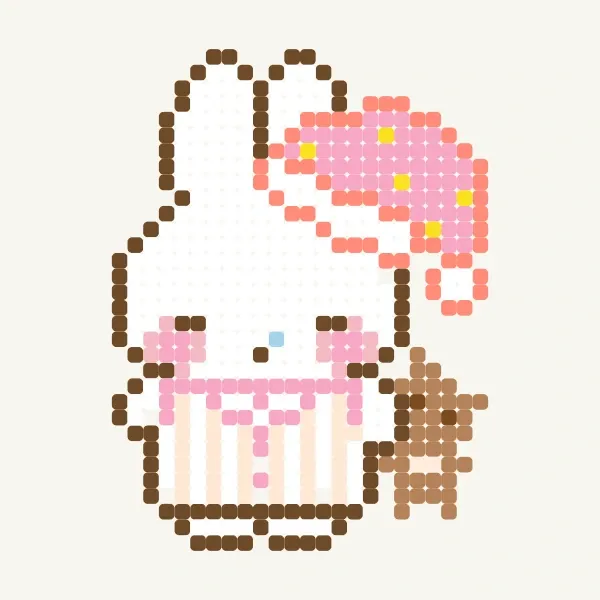
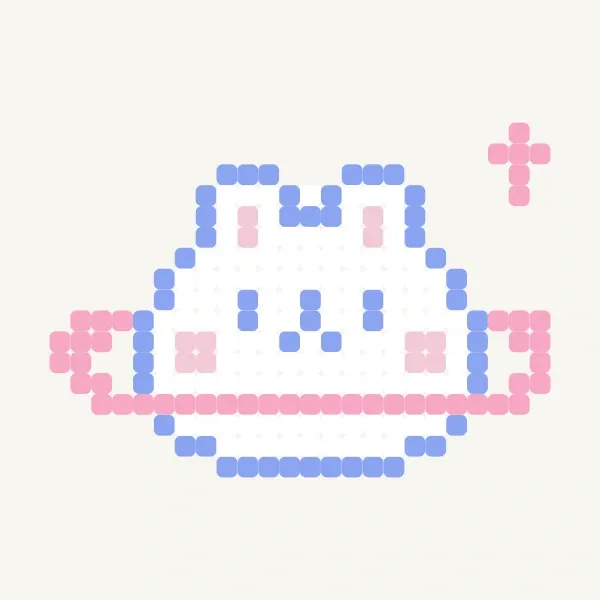 pretty rabbit with rosy cheeks
232 beads
pretty rabbit with rosy cheeks
232 beads
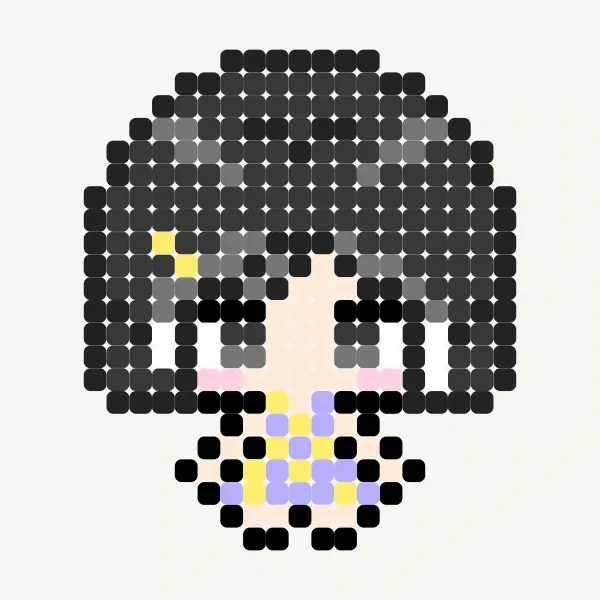 Asa🐇-BABYMONSTER_ I LIKE IT
315 beads
Asa🐇-BABYMONSTER_ I LIKE IT
315 beads
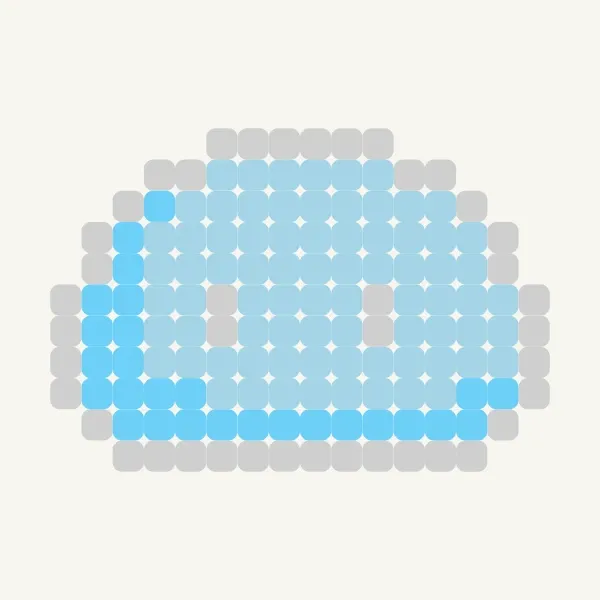 credit to dieubeos
146 beads
credit to dieubeos
146 beads
 Untitled
122 beads
Untitled
122 beads
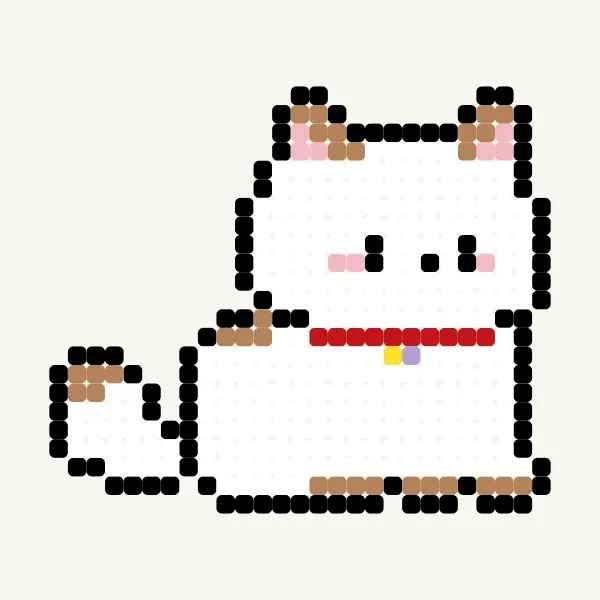 cute cat
418 beads
cute cat
418 beads
Animals Perler Bead Patterns
Free Animals perler, hama and fuse bead patterns. Pick a design, get the bead counts per color and start crafting.
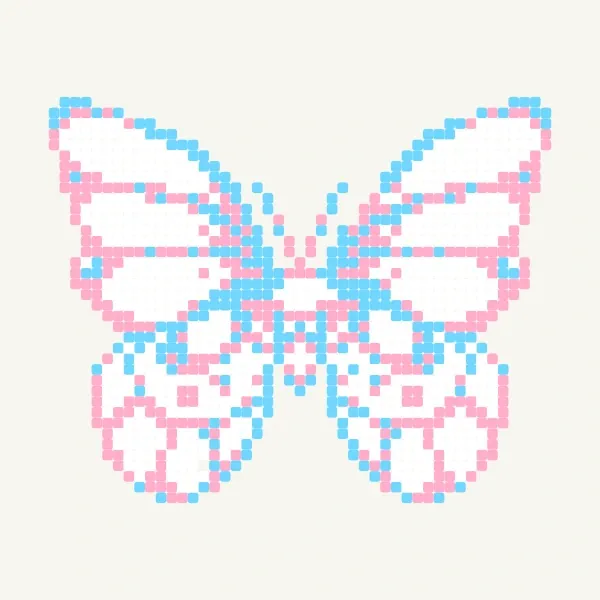
Plants & Flowers Perler Bead Patterns
Free Plants & Flowers perler, hama and fuse bead patterns. Pick a design, get the bead counts per color and start crafting.


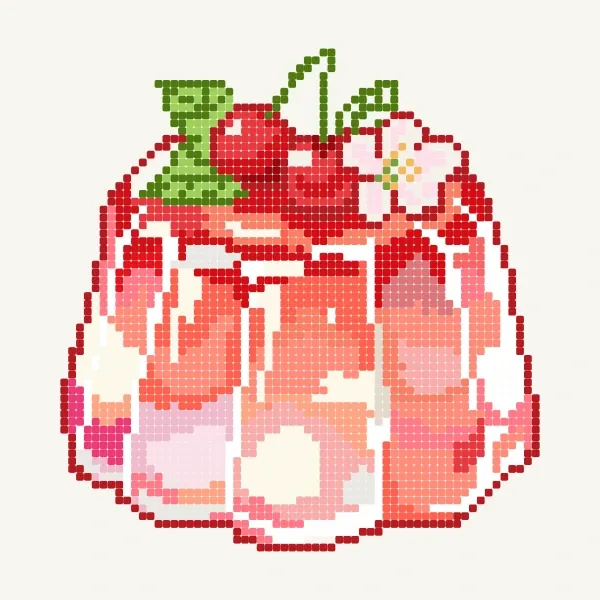
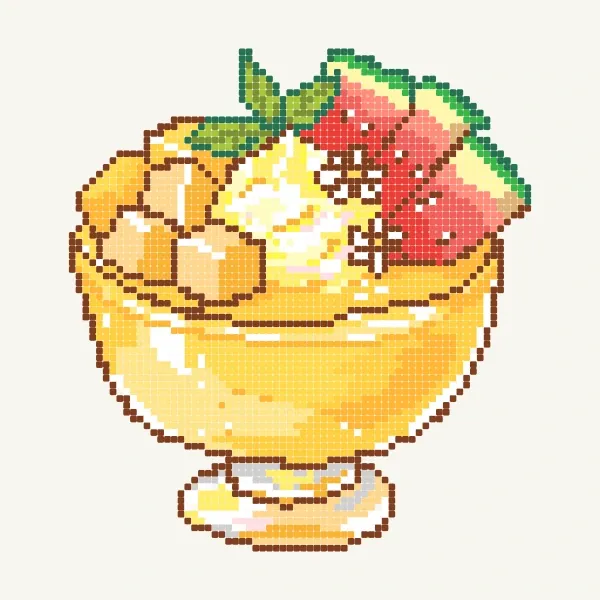
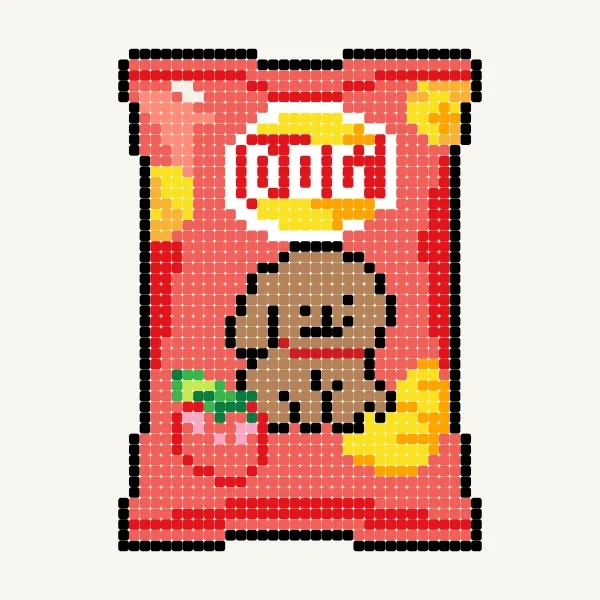
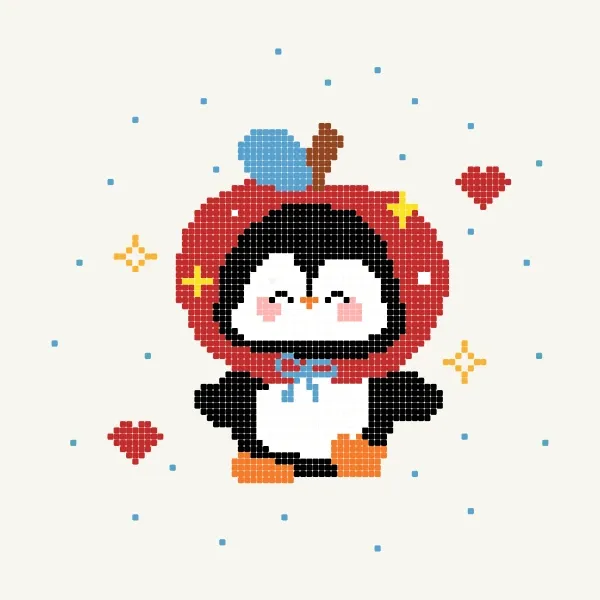
Food Perler Bead Patterns
Free Food perler, hama and fuse bead patterns. Pick a design, get the bead counts per color and start crafting.

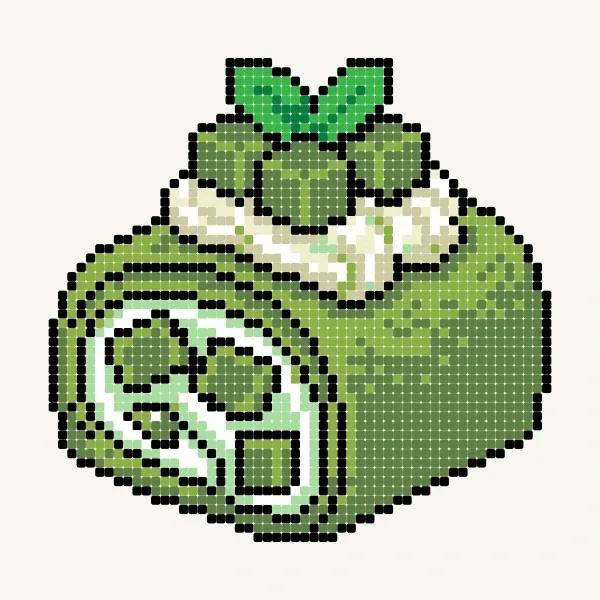
What is a perler bead pattern?
Perler beads (also called fuse beads or iron beads) are small ringed beads you place one by one on a pegboard grid and then fuse with heat. MyBlockStudio’s bead editor brings that grid to your screen, where one cell equals one bead. Draw characters and pixel art, or upload a photo and it’s converted into a bead pattern automatically — complete with a list of how many beads of each color you need.

Photo → bead pattern
Upload a photo or drawing and it’s converted to a grid pattern matched to perler bead colors.

Color-by-count list
See exactly how many beads of each color your pattern needs, so you can prepare the right amount.

One cell, one bead
Draw on the grid with pen, shape, select and fill tools — as easy as making pixel art.

Print, save and share
Save your finished pattern as an image, print it, or share it with a link.

Convert to your brand
It doesn't matter if a pattern was made with another brand's color codes. We swap each one for the closest color in the brand you own, and show you exactly what changes before you apply it.
Advanced bead pattern viewer


Sign in to open the advanced viewer. Zoom in and a minimap in the top-left shows where you are, and you can drag with one finger to move around. The bead count per color comes with Perler, Hama, Artkal and 拼豆 codes, and one tap switches the codes to the brand you own. In the editor you can even convert the whole design to that brand's colors.
How to make a bead pattern
-
1
Open a new bead pattern
The bead editor opens with a perler-bead color palette ready to go.
-
2
Draw or upload a photo
Color the grid yourself, or upload a photo to convert it into a pattern automatically.
-
3
Check colors and counts
Use the color-by-count list to see the beads you need and fine-tune the design.
-
4
Print and build
Print or save the pattern — it comes with color counts and bead numbers.
-
5
Place on the board and iron
Prepare beads by their numbers (Perler, Hama, etc.), place them on the pegboard, cover with ironing paper, and press gently with an iron to finish. (Iron with an adult.)
Frequently asked questions
Are perler beads, fuse beads and Hama beads different?
They’re different names for the same kind of craft bead. Perler and Hama are brand names, and “fuse” or “iron” beads describes melting them with heat. They all work the same way — placed on a grid and fused — so this pattern maker works for all of them.
Is it really free?
Yes — making, printing, saving and sharing bead patterns, and in fact every feature on the site, is completely free. There are no paid plans or hidden costs, and no install needed; it runs right in your browser.
Can I turn a photo into a bead pattern?
Yes. Upload a photo or drawing and it’s automatically converted into a grid pattern matched to perler bead colors. You can adjust the size and number of colors too.
Does it work on my phone?
Yes — drawing, converting and saving all work in a mobile browser.
Make your own perler bead pattern now
Free, no install — start right in your browser.


 This website uses cookies
Comments