



Micro Block & Nanoblock-Style Patterns
Build 3D pixel art with tiny blocks — design your own micro block models in the browser, or browse free community building patterns.
 What are micro building blocks?
Micro blocks — also known as nanoblock-style or mini building blocks — are tiny bricks, often just a few millimeters wide, that let you build detailed 3D models like real-life voxel art. Because the pieces are so small, even a palm-sized build can capture surprising detail. MyBlockStudio gives you a free 3D editor to design your own models block by block, rotate them in real time, and share the building pattern with anyone.
True 3D editing
Place blocks in 3D space, rotate and zoom freely, and check your model from every angle while you build.

Automatic piece count
Every design tracks how many blocks of each color you need — a ready-made shopping list for your build.

Start from a photo
Convert an image into pixel art first, then bring it into 3D and refine it block by block.

Share building patterns
Publish your model so others can spin it around in 3D and rebuild it with real micro blocks.
 How to make a micro block pattern
-
1
Design your model
Open the free 3D editor and stack blocks layer by layer. Use colors to bring your idea to life.
-
2
Check the pattern
Rotate the finished model to inspect every side, and review the piece count for each color.
-
3
Build it for real
Follow your on-screen model layer by layer with real micro blocks — or share the pattern for others to build.
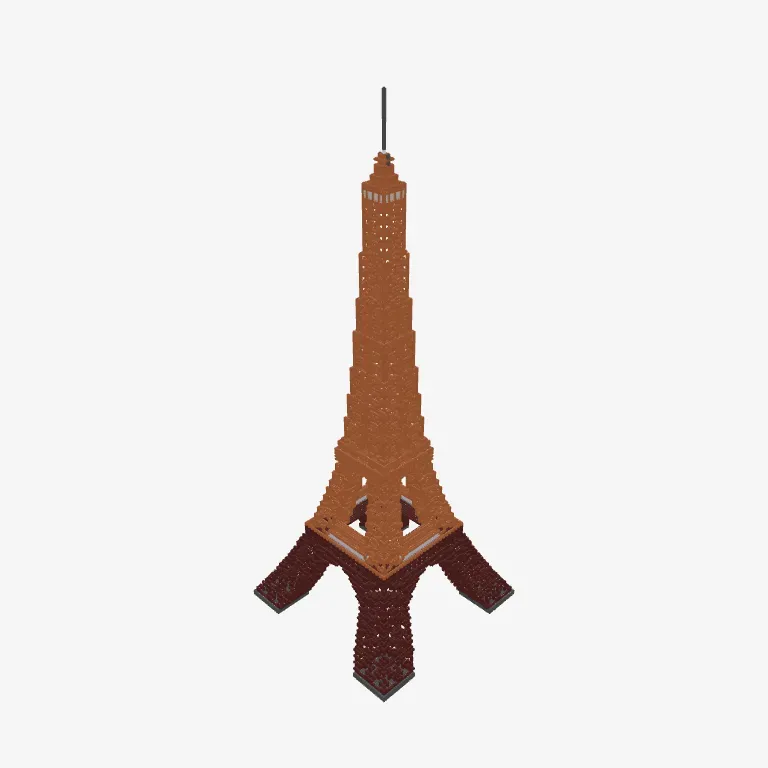
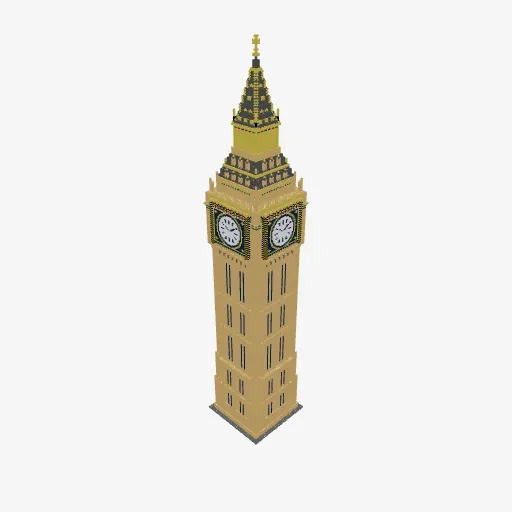
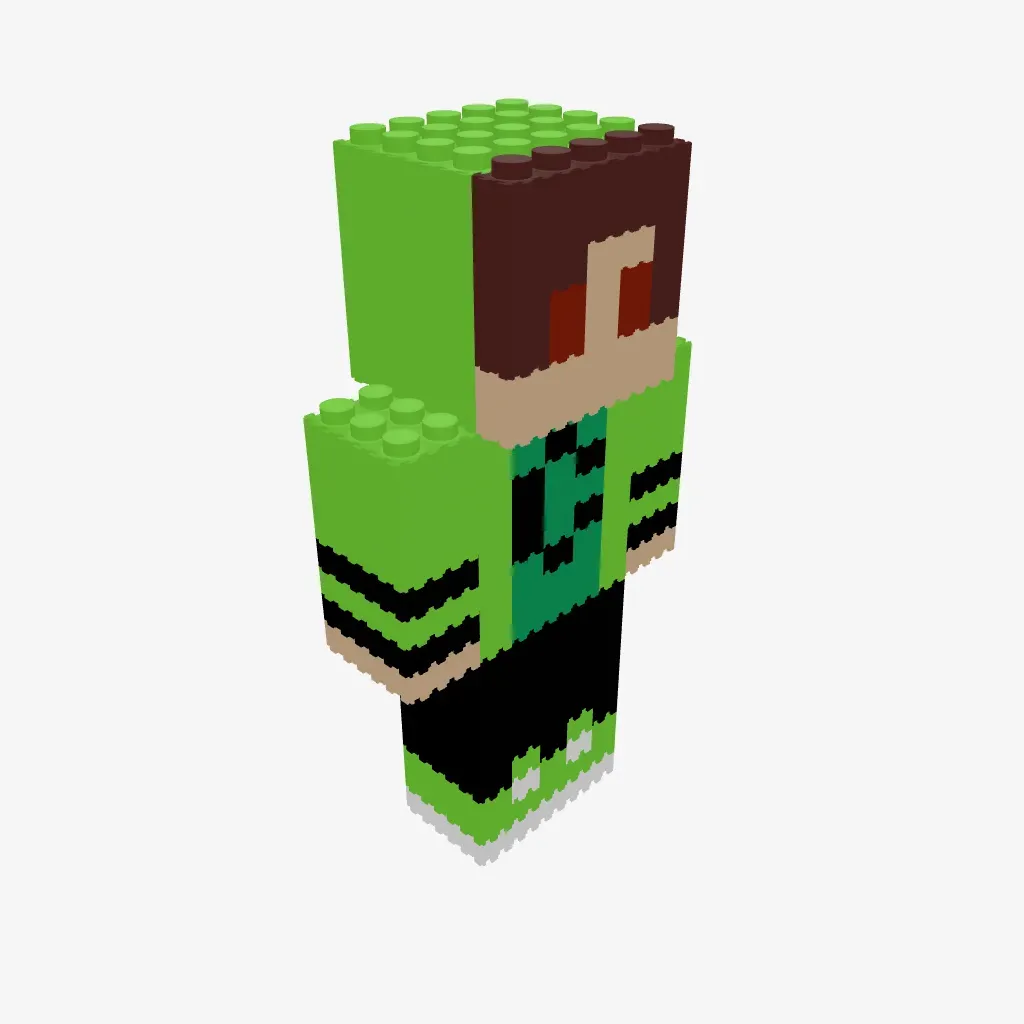
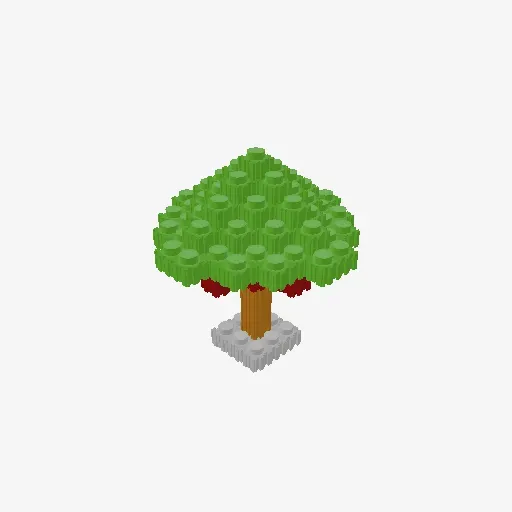
Free micro block patterns
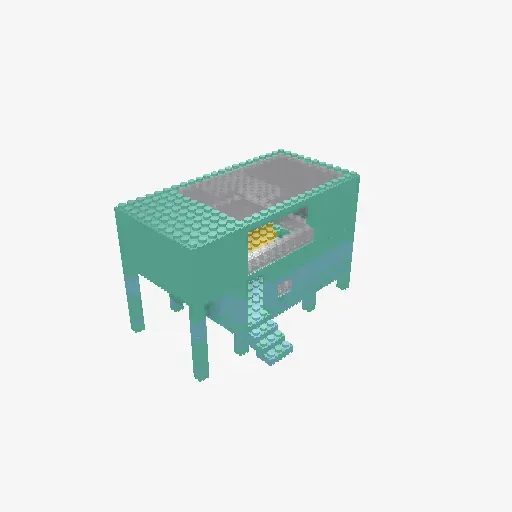
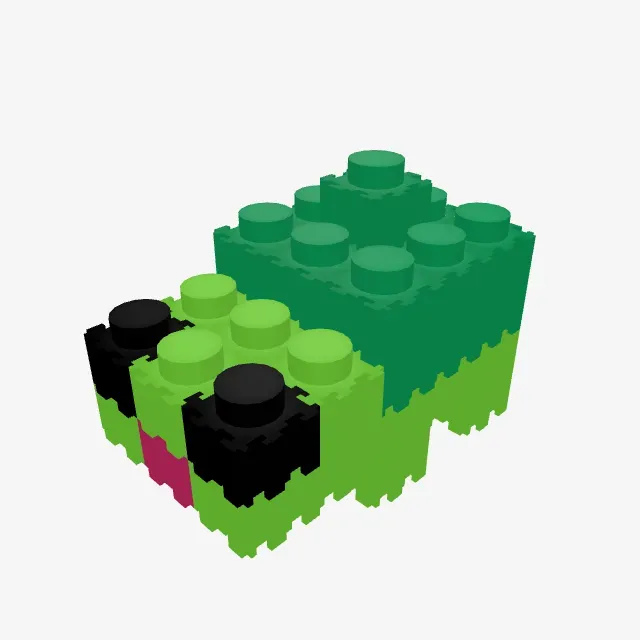
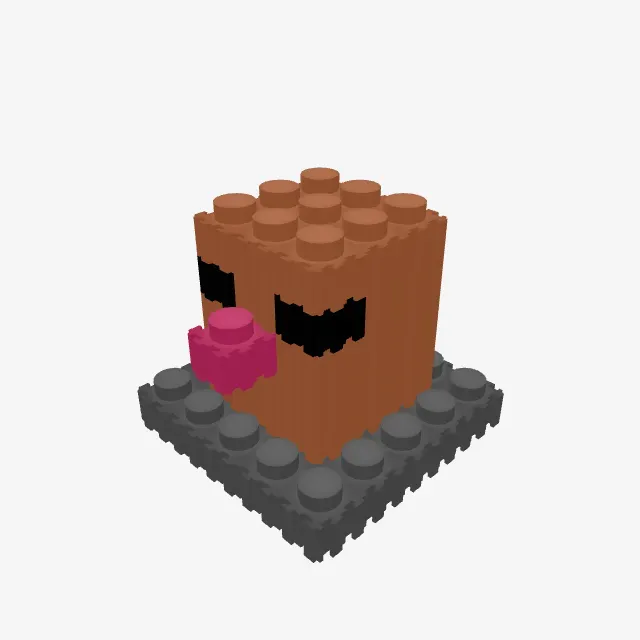
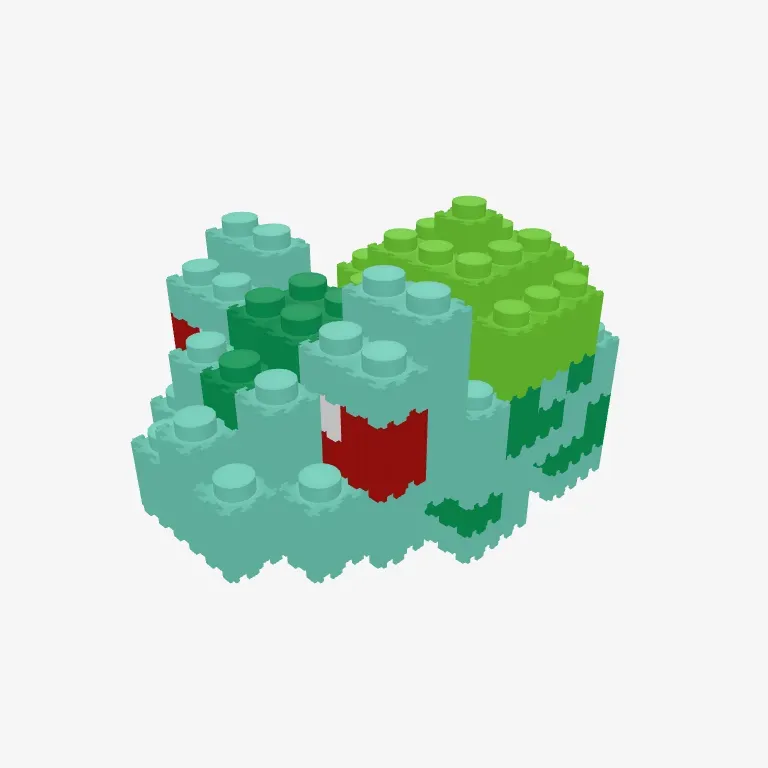
Popular 3D builds from the community — open any model and rotate it in 3D.




Micro block FAQ
Do the patterns work with any brand of mini blocks?
Yes. The patterns are brand-neutral — they work with nanoblock, Loz and other mini building block brands. Piece shapes can vary slightly between brands, so treat the 3D model as your visual guide.
Is the 3D editor really free?
Yes — designing, saving and sharing are all free. Nothing to download; it runs right in your browser.
Can I turn a photo into a 3D build?
Yes. Convert your photo into pixel art with the image converter, then bring it into the 3D editor and grow it into a full 3D model.
Start building in 3D
Your first micro block model is a few clicks away — free, right in your browser.


 This website uses cookies
Comments